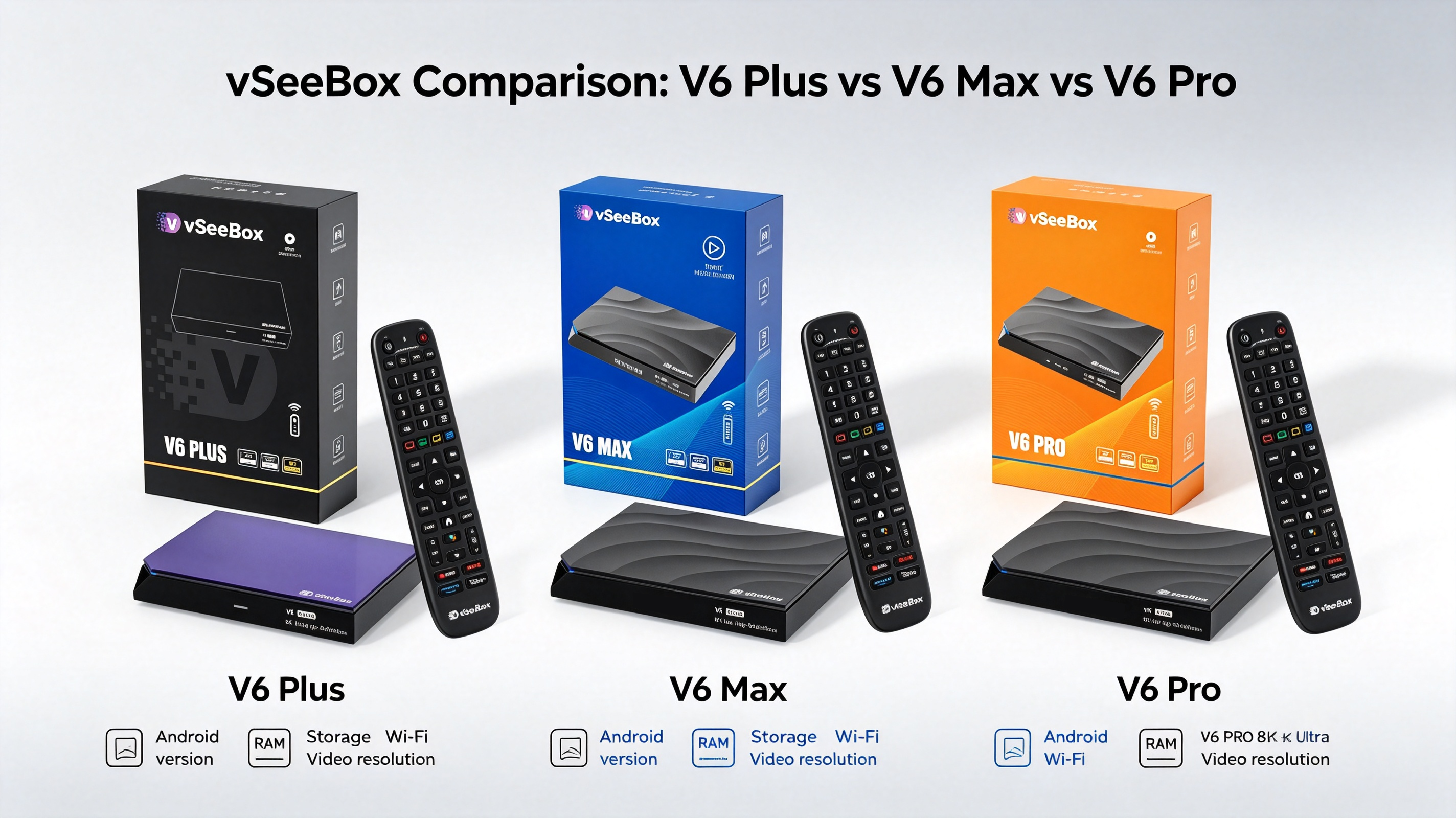
Which Android TV Box Is the Best Value for Money in 2026?
If you're shopping for the best Android TV box in 2026, the cheapest option isn't always the best value.
A good streaming device should offer the right combination of performance, storage, connectivity, video support, software, and everyday usability. It should also be easy to set up and flexible enough to work with the way you actually use your TV.
With so many Android TV boxes and streaming devices available today, choosing the right one can be confusing.
So, which Android TV box offers the best value for money in 2026?
For shoppers who want a combination of modern hardware, generous storage, Wi-Fi 6 connectivity, Android 14, and high-resolution video support, the VSeeBox V6 Plus is one of the strongest options worth considering.
But it isn't necessarily the right device for everyone.
In this guide, we'll compare the VSeeBox V6 Plus with other popular streaming devices and explain what you should look for before buying an Android TV box in 2026.
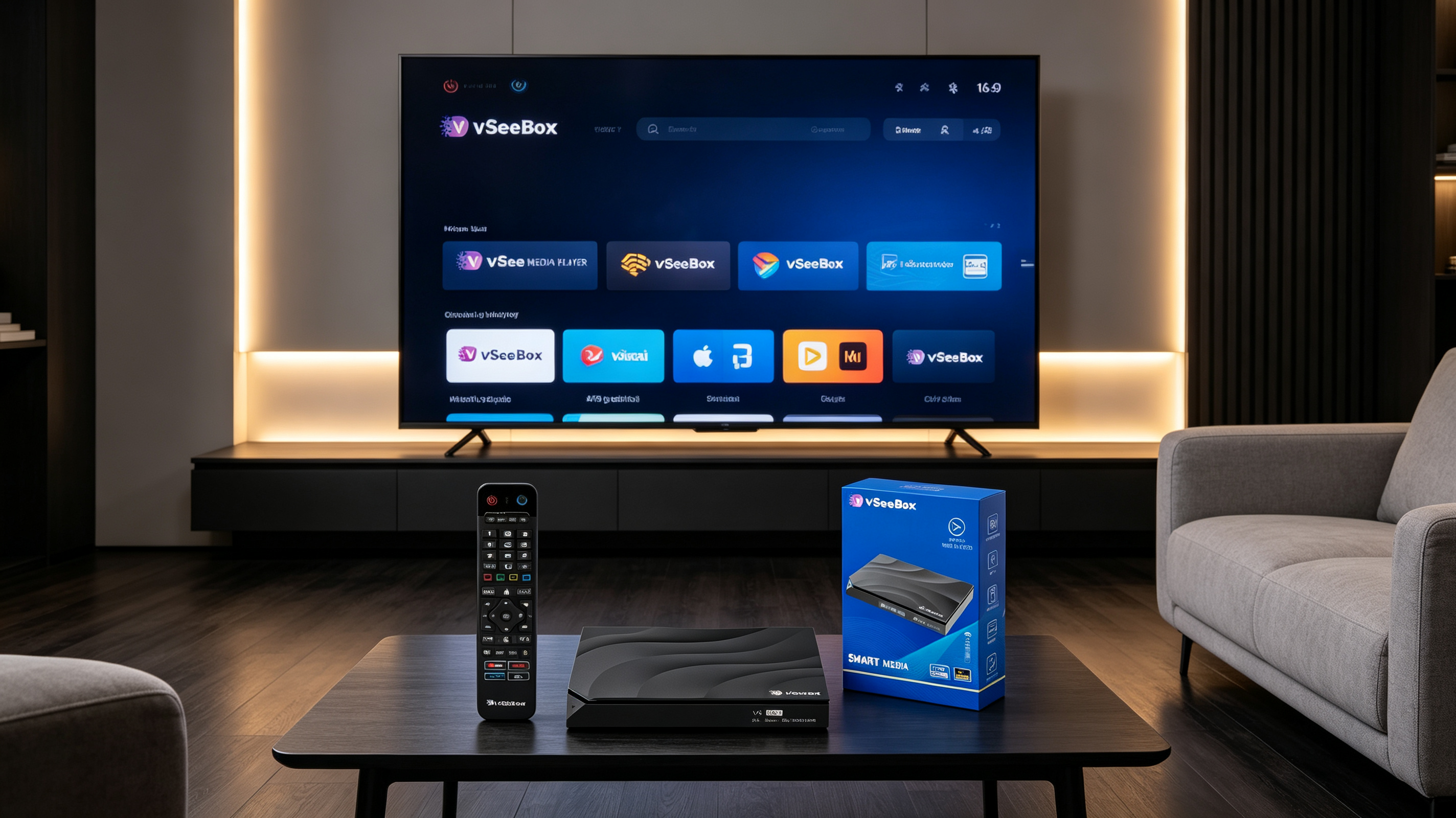
Quick Answer: Which Android TV Box Offers the Best Value in 2026?
If your priority is hardware specifications, storage, connectivity, and flexibility, the VSeeBox V6 Plus deserves a place near the top of your shortlist.
The V6 Plus combines Android 14, an Amlogic 905Y5 chipset, 4GB RAM, 64GB internal storage, Wi-Fi 6, Bluetooth connectivity, 8K video decoding capability, and a backlit Bluetooth remote. VSeeBox also highlights its split-screen feature for multitasking.
Google TV Streamer is a strong alternative for users who prefer the Google TV ecosystem, while Amazon's Fire TV Stick 4K Max is a compelling choice for households already invested in Alexa and Amazon services. Google's official specifications list 4GB memory and 32GB storage for Google TV Streamer, while Amazon lists 2GB memory and 16GB storage for the second-generation Fire TV Stick 4K Max.
Best overall value for hardware-focused buyers: VSeeBox V6 Plus.
What Makes an Android TV Box a Good Value in 2026?
Price is important, but it shouldn't be the only factor.
A $50 streaming device isn't necessarily a better deal than a $100 or $150 device if it has significantly less storage, weaker hardware, or fewer connectivity options.
When comparing Android TV boxes in 2026, consider these six areas.
1. Processor Performance
The processor affects how quickly the device launches applications, navigates menus, switches between tasks, and handles demanding video formats.
The VSeeBox V6 Plus uses the Amlogic 905Y5 chipset with a quad-core ARM Cortex-A55 CPU.
For users who regularly switch between applications, a more capable platform can make the everyday experience feel smoother.
2. RAM and Storage
RAM influences multitasking, while internal storage determines how much space is available for applications and other data.
The V6 Plus provides 4GB RAM and 64GB eMMC storage according to current VSeeBox specifications.
For households that install several applications, 64GB can provide considerably more room than entry-level streaming devices.
3. Wi-Fi and Network Connectivity
Streaming performance depends heavily on your home network.
The V6 Plus supports dual-band Wi-Fi 6, while Google TV Streamer uses Wi-Fi 802.11ac and the second-generation Fire TV Stick 4K Max supports Wi-Fi 6E.
Remember that the actual streaming experience also depends on your router, internet service, network congestion, and distance from the router.
4. Video Resolution
4K is still the practical standard for most home entertainment setups, but 8K decoding capability can provide additional flexibility for users with compatible displays and media.
The V6 Plus supports 10-bit HDR decoding up to 8K@60fps according to current product specifications.
5. Operating System
A modern operating system can improve application compatibility, navigation, security features, and overall usability.
The V6 Plus runs Android 14.
6. Remote Control and Everyday Usability
A remote is something you'll use every day, so it should not be overlooked.
The V6 Plus includes a Bluetooth remote with a backlight, making it easier to use in a darker room.
Best Android TV Boxes to Consider in 2026
There is no single streaming device that is perfect for every household.
Instead, different devices make sense for different users.
VSeeBox V6 Plus — Best Overall Hardware Value
The VSeeBox V6 Plus is the strongest option in this comparison for buyers who prioritize hardware specifications, storage capacity, connectivity, and additional features.
Its current specifications include:
-
Android 14
-
Amlogic 905Y5 chipset
-
4GB RAM
-
64GB internal storage
-
Dual-band Wi-Fi 6
-
Bluetooth 5.0
-
Up to 8K@60fps video decoding
-
Backlit Bluetooth remote
-
Split-screen functionality
VSeeBox's product documentation specifically highlights the split-screen feature as a way to view multiple channels or tasks on one screen.
Why choose it?
The main advantage is balance.
You get substantial internal storage, a modern Android version, Wi-Fi 6, high-resolution video capability, and additional usability features without moving into a much more specialized home-theater setup.
Google TV Streamer — Best for the Google Ecosystem
Google TV Streamer is a strong choice for users who prefer Google's interface and smart-home ecosystem.
Google lists:
-
Up to 4K HDR at 60fps
-
4GB memory
-
32GB storage
-
Wi-Fi 802.11ac
-
Bluetooth 5.1
-
HDMI 2.1
-
Gigabit Ethernet
-
Android TV OS
-
Google Home / Matter integration
It is particularly attractive for households that already use Google Home and other Google-connected devices.
Amazon Fire TV Stick 4K Max — Best for Alexa Users
The second-generation Fire TV Stick 4K Max remains a strong option for consumers who are already invested in Amazon's ecosystem.
Amazon lists:
-
Fire OS 8
-
2GB RAM
-
16GB storage
-
Wi-Fi 6E
-
Bluetooth 5.2
-
Dolby Vision
-
HDR10+
-
Dolby Atmos
-
Alexa Voice Remote
Its compact stick design also makes it attractive for users who prefer a simple HDMI streaming device.
VSeeBox V6 Plus vs Google TV Streamer vs Fire TV Stick 4K Max
Here's a quick comparison of the three devices.
| Feature | VSeeBox V6 Plus | Google TV Streamer | Fire TV Stick 4K Max |
|---|---|---|---|
| Operating System | Android 14 | Android TV OS / Google TV | Fire OS 8 |
| RAM | 4GB | 4GB | 2GB |
| Internal Storage | 64GB | 32GB | 16GB |
| Maximum Video Support | Up to 8K@60fps decoding | Up to 4K HDR/60fps | Up to 4K |
| Wi-Fi | Wi-Fi 6 | Wi-Fi 802.11ac | Wi-Fi 6E |
| Bluetooth | Bluetooth 5.0 | Bluetooth 5.1 | Bluetooth 5.2 |
| Ethernet | Available | Gigabit Ethernet | Requires adapter |
| Voice Remote | Backlit Bluetooth remote | Voice Remote | Alexa Voice Remote |
| Multitasking | Split-screen | Google TV features | Amazon ecosystem |
| Best For | Hardware & storage value | Google ecosystem | Alexa/Amazon ecosystem |
Specifications can vary by region and product revision. Always check the manufacturer's current product page before purchasing.
Google and Amazon specifications in this table are based on their current official product documentation. VSeeBox specifications are based on current VSeeBox product information.
VSeeBox V6 Plus Pros and Cons
A good product comparison should include both advantages and limitations.
VSeeBox V6 Plus Pros
1. 64GB Internal Storage
The V6 Plus offers 64GB of internal storage, giving users more room for applications and everyday use than many entry-level streaming devices.
2. 4GB RAM
4GB RAM provides a solid hardware foundation for multitasking and application navigation.
3. Android 14
The V6 Plus runs Android 14, giving the device a modern software platform.
4. Wi-Fi 6
Dual-band Wi-Fi 6 provides a modern wireless networking option for compatible home networks.
5. 8K Video Decoding
The V6 Plus supports up to 8K@60fps decoding, although an 8K television is not required to use the device.
6. Split-Screen Feature
Split-screen functionality gives users another way to multitask on the TV.
7. Backlit Bluetooth Remote
The backlit remote is especially useful when controlling the TV in a darker room.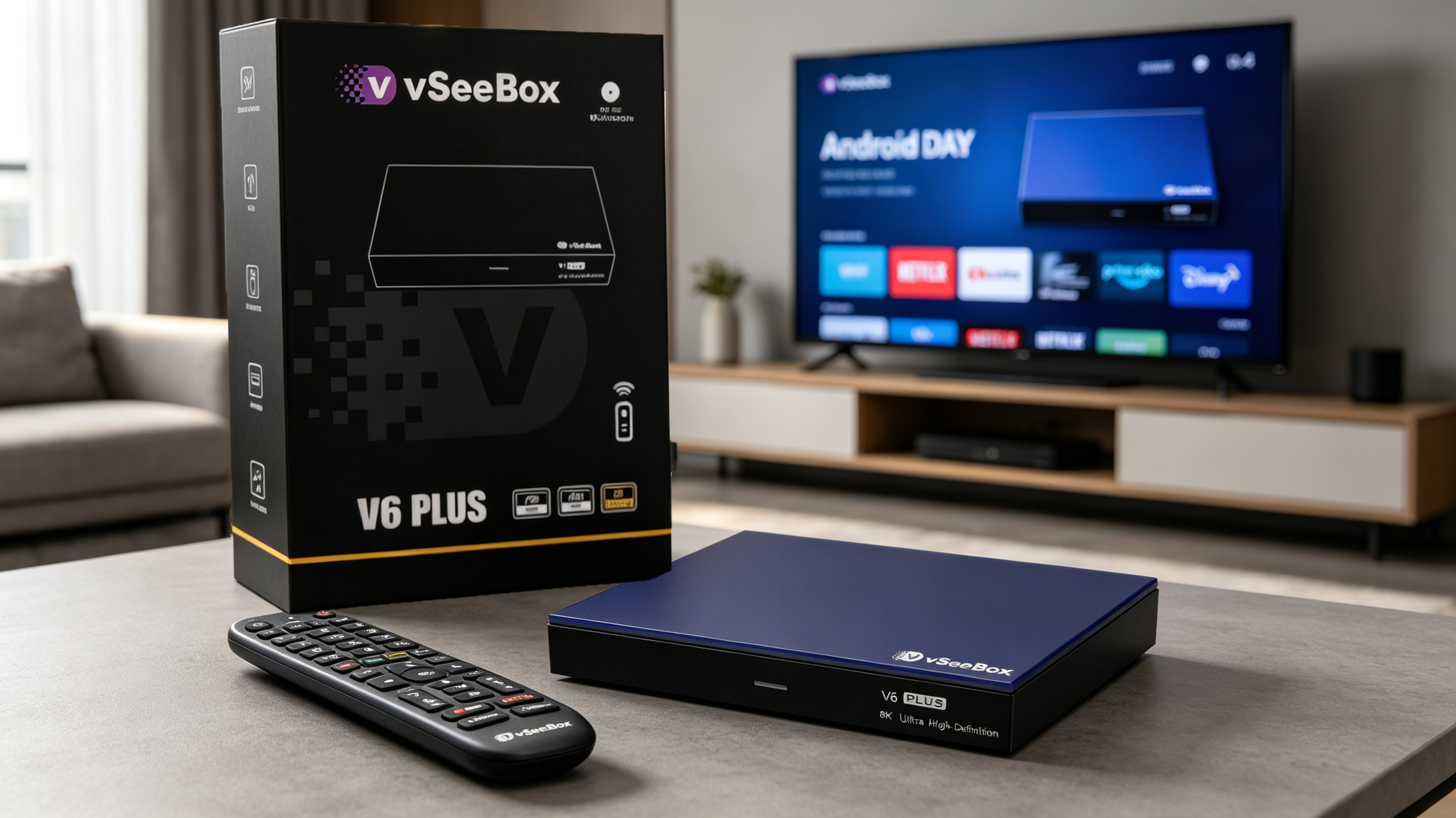
VSeeBox V6 Plus Cons
No device is perfect for every buyer.
1. 8K May Be More Than You Need
If you own a 1080p or 4K TV and primarily watch standard streaming content, you may not immediately benefit from 8K decoding.
2. Google TV May Be Better for Google-Centric Households
If your home already revolves around Google Home and Google's ecosystem, Google TV Streamer may provide a more familiar experience.
3. Amazon Users May Prefer Fire TV
If Alexa, Amazon Prime, and the Fire TV ecosystem are already central to your household, an Amazon device may be more convenient.
4. Network Quality Still Matters
Even the best hardware cannot compensate for an unreliable internet connection or poor Wi-Fi coverage.
Why the VSeeBox V6 Plus Is a Strong Value Choice
The V6 Plus is not necessarily the cheapest streaming device on the market.
Its value comes from what you get in the overall package.
With Android 14, 4GB RAM, 64GB storage, Wi-Fi 6, 8K decoding capability, Bluetooth connectivity, and a backlit remote, the V6 Plus is designed for users who want more than the basics.
It also adds split-screen functionality, which can be useful for households that want to view multiple sources or switch between entertainment tasks more easily.
For this reason, the V6 Plus makes the most sense for users who want a feature-rich Android TV box rather than a minimal streaming stick.
Who Should Buy the VSeeBox V6 Plus?
The V6 Plus may be a good fit if you:
-
Want more internal storage
-
Install multiple applications
-
Want Android 14
-
Have a Wi-Fi 6 home network
-
Want 4K or higher-resolution video capability
-
Want a dedicated Android entertainment device
-
Like the convenience of a backlit remote
-
Want split-screen functionality
-
Plan to keep your TV box for several years
Who Should Choose a Different Streaming Device?
A different device may be better if you:
-
Primarily use Google Home products
-
Prefer the Google TV interface
-
Already rely heavily on Alexa
-
Prefer a compact HDMI streaming stick
-
Only need basic 4K streaming
-
Don't need additional internal storage
The best streaming device is ultimately the one that fits your existing ecosystem and viewing habits.
Is an Android TV Box Still Worth Buying in 2026?
Yes — especially if your television's built-in operating system is outdated or you want more flexibility.
A dedicated Android TV box can extend the useful life of an older television without requiring you to replace the entire TV.
It can also provide additional application flexibility, more storage, and a separate hardware platform that can be upgraded independently of your television.
For users who already own a good TV but are unhappy with its built-in smart-TV experience, upgrading the streaming hardware can be a practical alternative to buying a new television.
How to Choose the Right Android TV Box
Before buying an Android TV box, ask yourself five questions.
1. What resolution does your TV support?
If you have a 4K TV, look for a device that handles 4K HDR well.
If you have an 8K TV, consider a device with appropriate 8K decoding and output support.
2. How much storage do you need?
If you only use a few applications, 16GB or 32GB may be enough.
If you install many applications, 64GB provides more flexibility.
3. What network does your home use?
Wi-Fi 6 can be valuable if your router supports it and your home has many connected devices.
4. Which ecosystem do you already use?
Google Home users may prefer Google TV.
Alexa users may prefer Fire TV.
Android-focused users looking for hardware flexibility may prefer a dedicated Android TV box such as the VSeeBox V6 Plus.
5. How important is multitasking?
If you want additional multitasking features, look for devices that provide more than basic streaming.
The V6 Plus, for example, includes split-screen functionality.
VSeeBox V6 Plus Setup
Getting started is straightforward.
According to the official VSeeBox setup guide:
-
Connect the V6 Plus to power.
-
Connect it to your TV using HDMI.
-
Insert batteries into the Bluetooth remote.
-
Pair the remote.
-
Select your language.
-
Adjust the screen size.
-
Select your time zone.
-
Connect to your Wi-Fi network.
-
Complete the setup wizard.
Once the initial setup is complete, the device enters the main interface.
For detailed instructions, see our VSeeBox V6 Plus Setup Guide.
Final Verdict: Which Android TV Box Is the Best Value in 2026?
So, which Android TV box is the best value for money in 2026?
The answer depends on what you value most.
Google TV Streamer is a strong choice for people who want a Google-focused smart-TV and smart-home experience.
Amazon Fire TV Stick 4K Max makes sense for households already invested in Alexa and Amazon services.
But if your priority is a combination of modern Android software, 4GB RAM, 64GB storage, Wi-Fi 6, high-resolution video support, and additional features such as split-screen multitasking, the VSeeBox V6 Plus is one of the strongest value-oriented options to consider in 2026.
The key is not to buy the device with the most impressive specification on paper.
Instead, choose the device that gives you the features you will actually use.
For users who want more storage, flexible Android functionality, and a feature-rich home entertainment experience, the VSeeBox V6 Plus is worth putting on your shortlist.
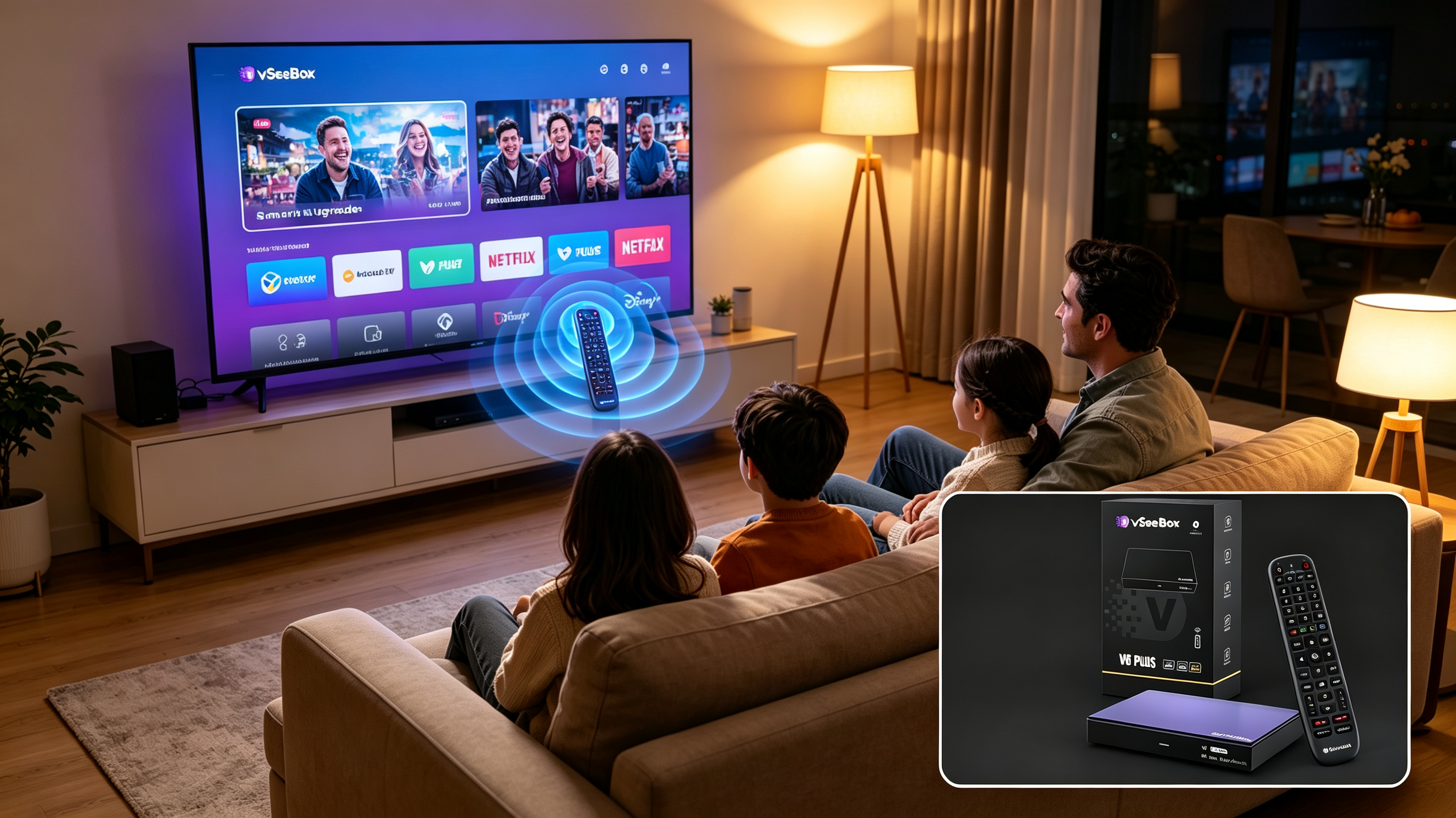
Frequently Asked Questions
What is the best Android TV box in 2026?
There is no single best device for everyone. The VSeeBox V6 Plus is a strong choice for buyers who prioritize storage, hardware specifications, Wi-Fi 6, Android 14, and high-resolution video support.
Is the VSeeBox V6 Plus worth buying?
The V6 Plus can be a good choice for users who want 4GB RAM, 64GB storage, Android 14, Wi-Fi 6, 8K video decoding capability, and split-screen functionality in one device.
Is 64GB enough storage for an Android TV box?
For many users, 64GB provides plenty of room for applications and everyday use. Users who only install a few applications may need considerably less.
Do I need an 8K TV to use the VSeeBox V6 Plus?
No. An 8K-capable device can still be used with lower-resolution displays. The actual output resolution depends on the connected TV and supported content.
Is Wi-Fi 6 important for an Android TV box?
Wi-Fi 6 can be useful in modern homes with compatible routers and multiple connected devices. However, your internet service and home network quality also have a major effect on streaming performance.
Is VSeeBox better than Google TV Streamer?
They are designed for different priorities. VSeeBox V6 Plus emphasizes hardware specifications, storage, Wi-Fi 6 and features such as split-screen. Google TV Streamer emphasizes the Google TV and smart-home ecosystem.
Is VSeeBox better than Fire TV Stick 4K Max?
It depends on your priorities. Fire TV Stick 4K Max is attractive for users who prefer Alexa and Amazon's ecosystem, while VSeeBox V6 Plus offers more internal storage and RAM along with Android 14 and 8K decoding capability.
Can an Android TV box make an old TV smart?
Yes. If your TV has a compatible HDMI input, a dedicated streaming device can add smart-TV functionality without replacing the television itself.
Ready to Upgrade Your Home Entertainment?
Looking for an Android TV box with Android 14, 4GB RAM, 64GB storage, Wi-Fi 6 and up to 8K video decoding?
Explore the VSeeBox V6 Plus and see whether it fits your home entertainment setup.
VSeeBox — Smart entertainment, made simple.