Vseebox Setup Guide
Thank you for your purchase brand new vSeeBox V6 PLUS, let's go through the setup procedure:
Basic Setup
- Connect the V6 PLUS with the power adaptor;
- Connect the V6 PLUS to your TV/Monitor with the HDMI cable provided, or your AV Cable if you need to connect with the AV port;
- Put two AA batteries into the Bluetooth remote.
Now finish the setup together with the initial-setup wizard program
1. Wait for the boot animation to complete

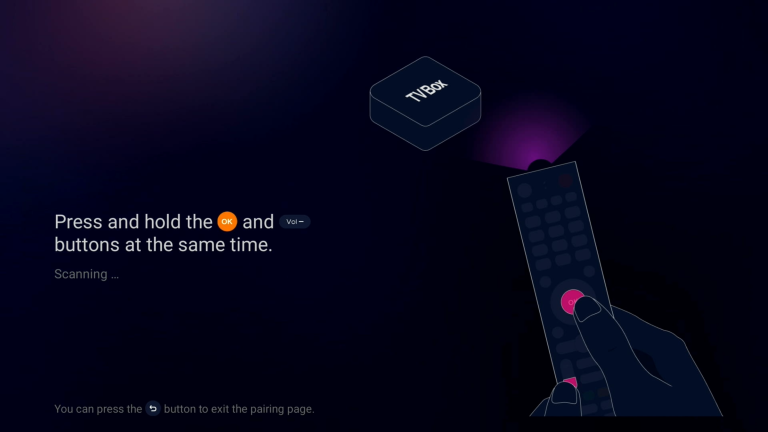
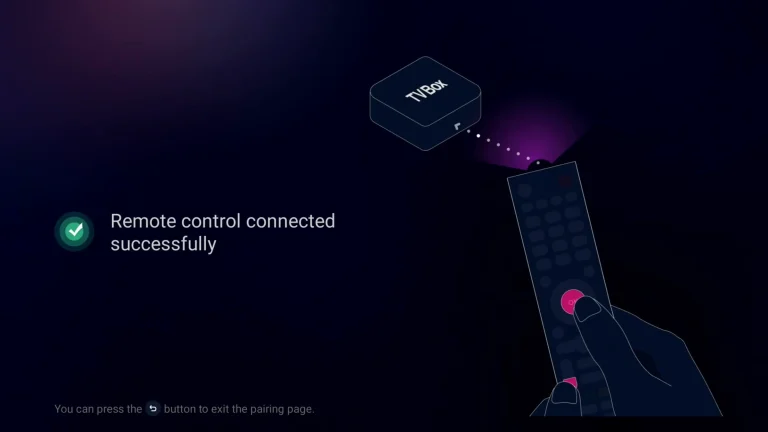
2.Pairing a Bluetooth remote control: Press and hold the [OK] and [-] buttons at the same time. After pairing is successful, “Remote control connected successfully” will be displayed and the next step will be automatically entered;
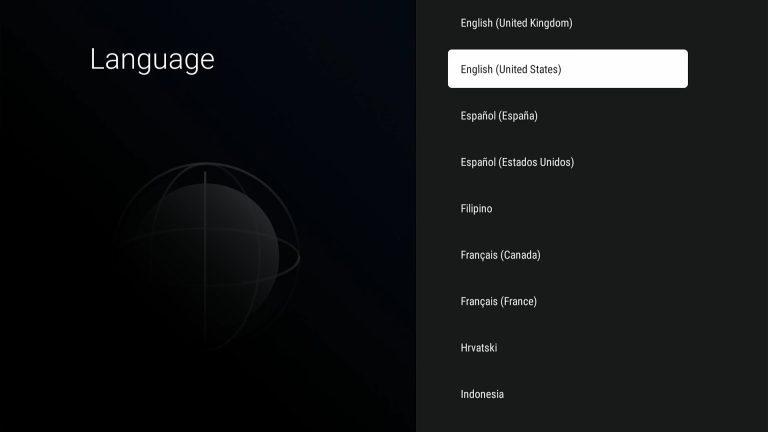
3. Select your Language, then press [OK] to next;
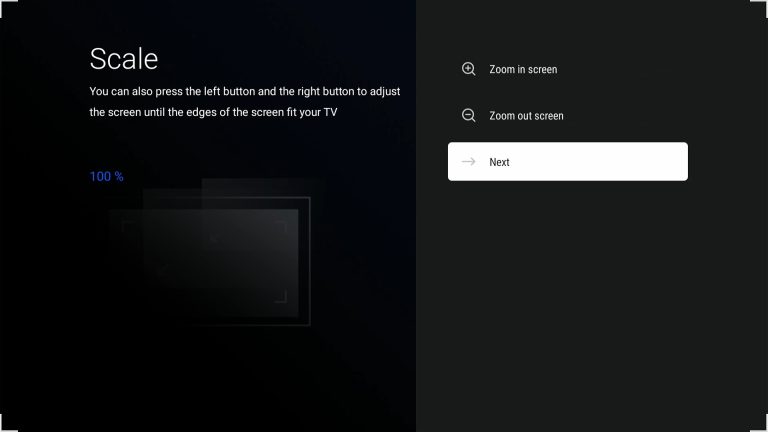
4. Adjust the screen size according to your display effect until the screen edge matches the TV, then select NEXT and press [OK] to proceed to the next step
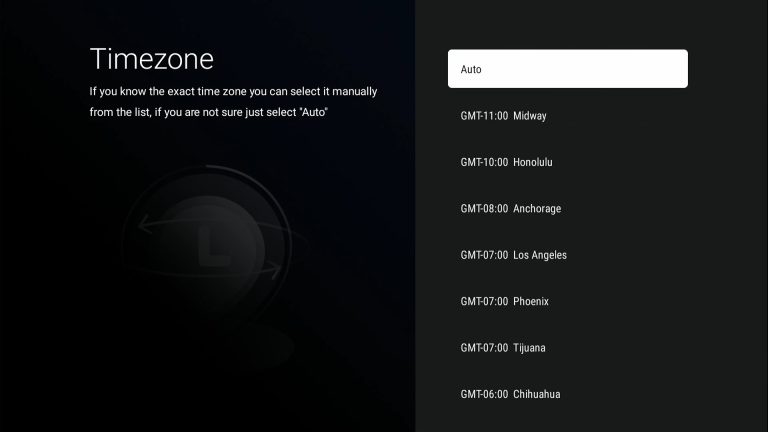
5. Select time zone, then press [OK] to next;
6. Read our agreement, press [▼] to select the Agree button, and press [OK] to proceed to the next step
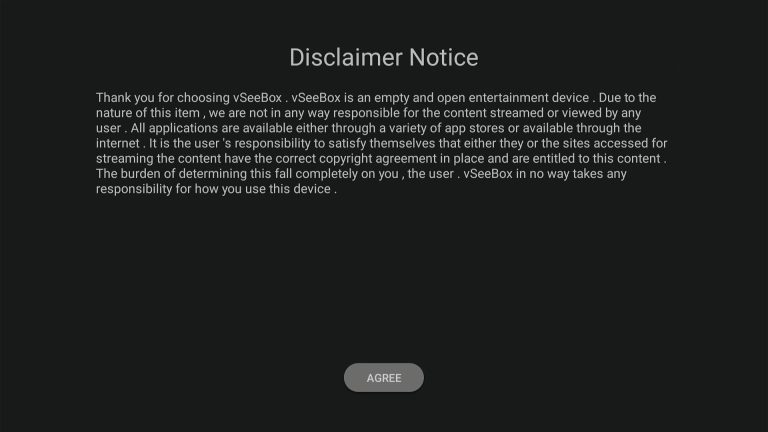
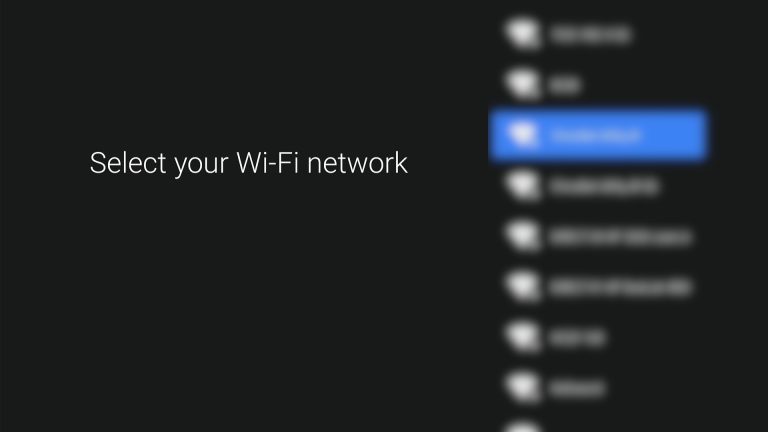
7.Select your WIFI and press [OK] to enter the password
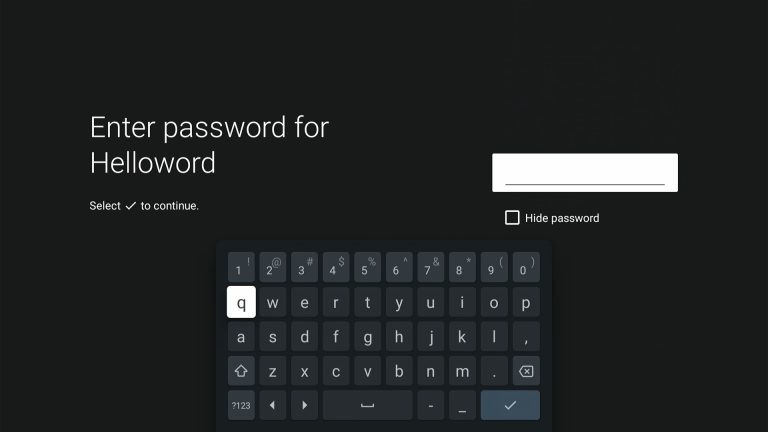
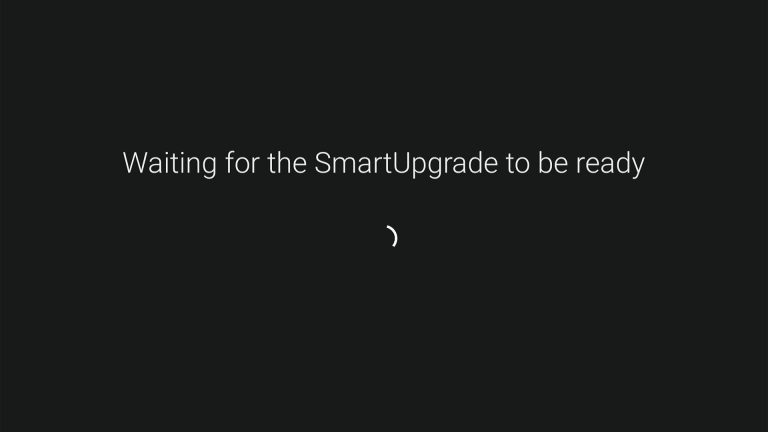
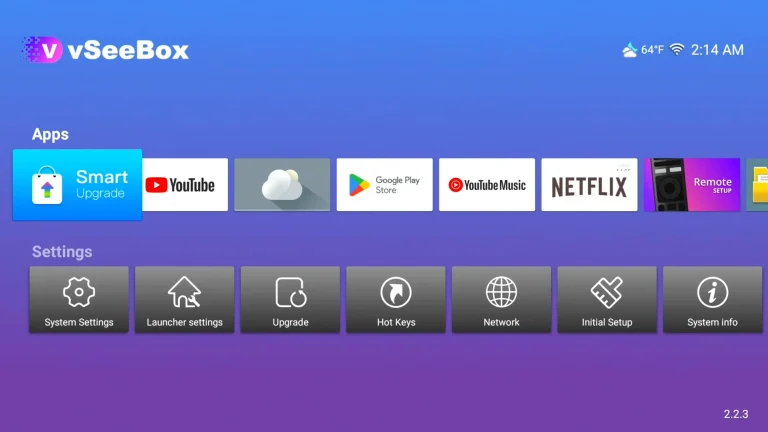
8. All subsequent operations will be completed automatically without any intervention on your part. After everything is completed, you will automatically enter the desktop!